Written by: Matthew Timmins, Founder and Managing Director, Leva Sleep | Last updated: August 6, 2026
Key Takeaways for Caregivers
- A large-button remote simplifies TV control for seniors by using oversized, high-contrast keys that reduce mispresses for vision or dexterity challenges.
- The right model depends on the parent’s TV brand, vision level, and setup comfort. Preset-code remotes like the GE BigEZ OneTouch or Philips OneTouch reduce programming time.
- IR remotes need a clear line of sight to the TV. Bluetooth or RF models, including some LG Magic Remotes, may require extra pairing steps or a secondary receiver.
- Pairing a large-button TV remote with an adjustable bed creates a single nightstand control area, so seniors manage TV and sleep position without leaving bed.
- Leva Sleep’s Split Queen and Split King adjustable bases include dedicated remote pockets and white-glove delivery to keep every control within easy reach. Explore Leva Sleep’s Split Queen and Split King packages today.
Best Big Button Remote Options for Canadian Seniors
No single remote works for every household. Your choice depends on your parent’s TV brand, their level of vision loss, and how much setup you want to handle. The table below compares 2026 models on criteria that matter most to Canadian buyers. Prices are approximate CAD equivalents based on USD ranges. Confirm current pricing and Canadian shipping with each retailer before you buy.
Before you purchase, match the remote model to your parent’s TV brand and motor-skill needs. A parent with moderate arthritis may manage a universal model after a short setup session. A parent with dementia or advanced vision loss usually does better with a fixed-function remote that has locked programming.
See how Leva Sleep’s adjustable bases complement your remote setup
Large Button Remote Control Setup for Samsung TVs
Samsung TVs accept infrared commands for most third-party remotes. Samsung confirms that some universal remotes can control its TVs, but pairing steps vary by manufacturer and you must follow the instructions for your specific model. For large-button remotes that work with Samsung, use this general process.
- Insert batteries and turn on the Samsung TV using its side panel button.
- Point the large-button remote at the TV’s IR sensor, usually centred below the screen.
- If the remote uses preset brand codes, such as GE BigEZ OneTouch or Philips OneTouch, press the Samsung preset button. The TV should respond right away.
- If the remote uses auto-scan, hold the setup key until the indicator light stays on. Press the power button repeatedly until the TV turns off, then press setup again to lock the code.
- Test volume, channel, and power to confirm everything works.
Some Samsung-specific large-button remotes simplify setup and may add a backlight. Samsung Smart TVs also offer a Simple Mode that enlarges text, reduces on-screen clutter, and limits visible apps. Activate Simple Mode along with the large-button remote to create a fully simplified experience. Confirm that your parent’s Samsung model uses a standard IR receiver before you buy a Bluetooth-only replacement remote.
Large Button Remote Control Setup for LG TVs
LG’s Magic Remote uses a Bluetooth-style pairing process that differs from standard IR remotes. To pair an LG Magic Remote, turn the TV on, wait 10 seconds, point the remote at the TV, and press the wheel button. Pairing finishes when “Pairing is complete” appears on screen. For third-party large-button remotes on LG TVs, follow these steps.
- Turn on the LG TV using the TV’s physical button.
- Point the large-button remote at the TV’s IR sensor.
- Select the LG preset button if the remote offers one. GE BigEZ OneTouch and Philips OneTouch both include LG presets.
- If you use auto-scan, hold the setup key until the light stays on. Press power until the TV turns off, then lock the code.
- Test power, volume, and channel before you finish.
Bluetooth- or RF-only TVs, including some LG Magic Remote models, can be incompatible with IR-only big-button remotes unless you add a secondary IR receiver. Basic IR commands may still work on LG TVs without full Magic Remote pairing, although advanced features such as the on-screen pointer will not. Confirm that your parent’s LG model accepts standard IR input before you buy.
Large Button Remote Control Setup for Roku TVs
Roku TVs from TCL, Hisense, and other brands respond to IR commands for core functions. Models like the GE BigEZ OneTouch work with Roku TVs even though current big-button remotes use IR rather than the wireless protocols used by Roku streaming sticks. Use the following steps for Roku TV pairing.
- Turn on the Roku TV using its physical button.
- Point the large-button remote at the TV’s IR sensor.
- Press the Roku TV preset if available. If not, use auto-scan by holding setup, pressing power until the TV turns off, then locking the code.
- Confirm that volume, channel, and power respond correctly.
- Use the original Roku remote or the Roku mobile app for initial streaming navigation such as home screen and app selection.
No current big-button IR remote controls Roku streaming sticks, which use Wi-Fi Direct. If your parent uses a Roku stick instead of a Roku TV, a large-button remote will not replace the original Roku remote for navigation. It will only control TV power and volume through the TV’s IR sensor.
Coordinating Large-Button Remotes with Adjustable Beds
Seniors who manage both TV control and sleep positioning from bed rely on the nightstand as an accessibility hub. A large-button TV remote covers TV control, and an adjustable bed remote covers comfort and health needs. When both remotes sit within easy reach, a senior can manage entertainment and physical comfort without leaving bed or calling for help.
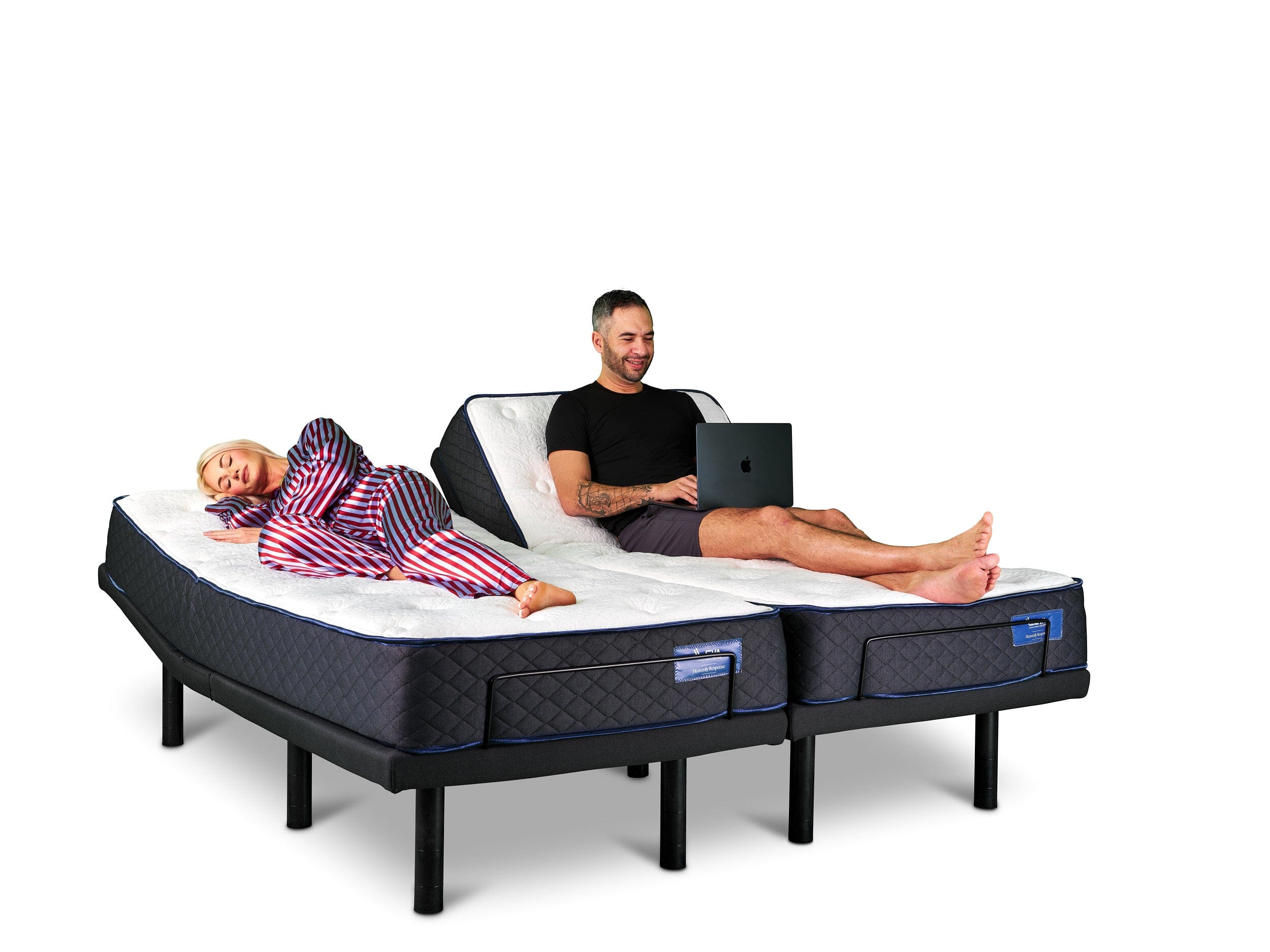
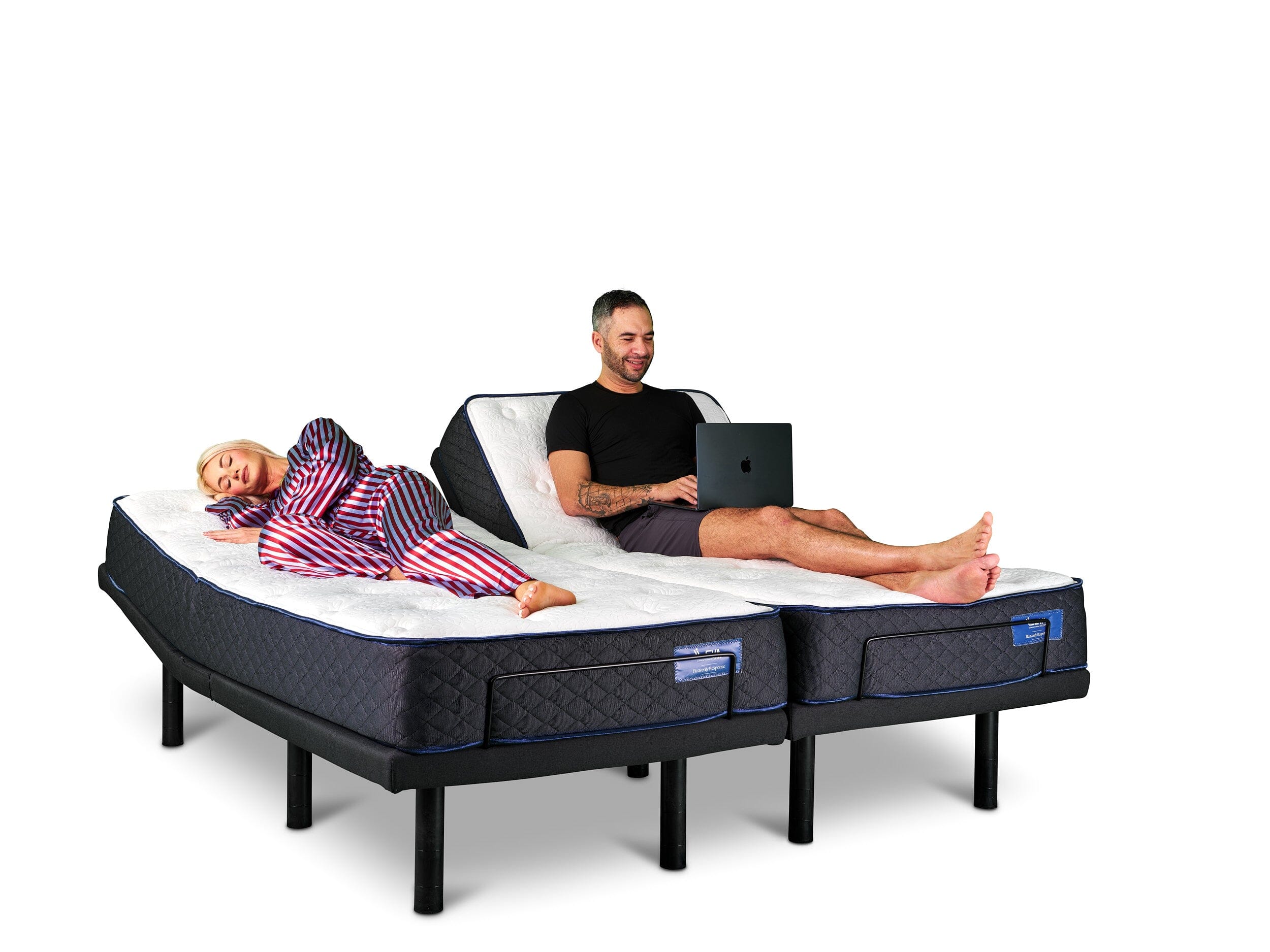
Leva Sleep’s Split Queen and Split King adjustable bases support this setup. Each side of the bed has independent controls, so a parent can raise their head to ease acid reflux or open airways for sleep apnea without disturbing a partner. The Leva Sleep app offers Bluetooth control for seniors who like smartphones, and the physical remote stays available for anyone who prefers tactile buttons. Leva’s in-house white-glove delivery includes a full product walkthrough, so trained professionals handle setup, remote placement, and leg height adjustments.
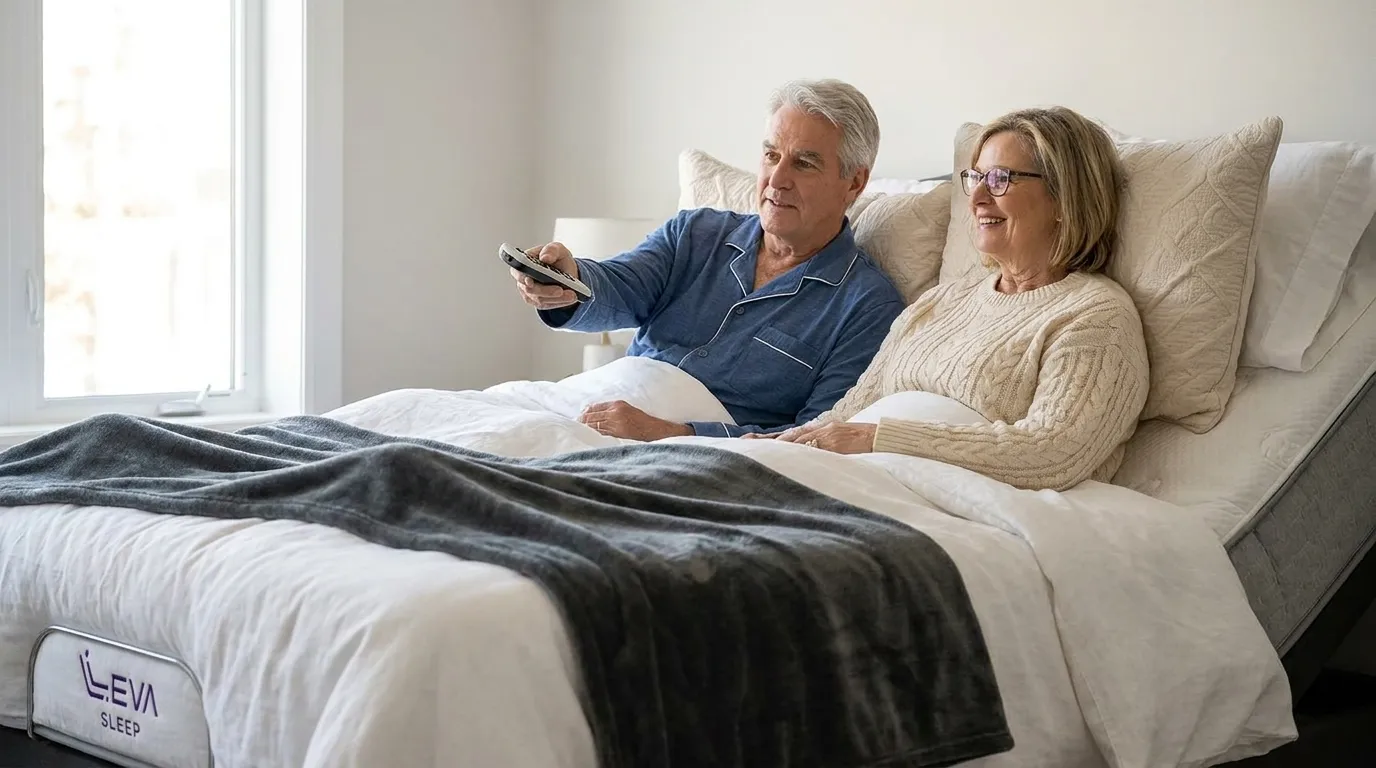
Pairing a large-button TV remote with a Leva Sleep adjustable base creates a unified, low-effort control environment. Both remotes can sit in the dedicated side remote pocket that comes with Leva Sleep bedding accessories, which keeps them accessible without digging through bedding. For seniors with dexterity challenges, this arrangement cuts down the number of physical tasks needed to manage an evening in bed.
Browse Leva Sleep’s adjustable bed collection
Decision Checklist Before You Buy a Remote
Use this checklist to evaluate any large-button remote before you buy one for an elderly parent in Canada.
- Button diameter and separation: Larger buttons with clear gaps between them reduce mispresses for users with limited dexterity.
- High-contrast labelling: Bold, high-contrast labels improve readability for low-vision users and reduce eye strain.
- Backlight type: Auto-backlit remotes light up on button press and conserve battery life. Always-on backlights give constant visibility but drain batteries faster, so choose based on how often your parent watches TV in dim light.
- IR vs. Bluetooth range: IR remotes require direct line of sight to the TV, so confirm the TV is visible from the bed before you choose an IR model. If the TV sits behind furniture or inside a cabinet, a Bluetooth remote such as the LG Magic Remote can work without line of sight, although other wireless devices in the room may cause interference.
- Learning function availability: Learning remotes record signals from an existing remote, which improves compatibility with unusual or legacy devices, but they require the original remote during setup.
- Locked programming: Locked programming prevents accidental reprogramming after setup and works well for dementia care.
- Warranty and Canadian support: Some models offer strong coverage, including limited lifetime warranties. Confirm that you can process warranty claims from Canada before you buy.
- Battery compartment design: Battery doors that open with one thumb press work better for users with limited hand strength than doors that need fingernails or screws.
- Weight: A comfortable weight and grippy texture reduce hand fatigue and help prevent drops.
Confirm current stock and pricing with Canadian retailers such as Amazon.ca or Best Buy Canada before you finalize a purchase, since availability and import duties can change the final cost.
Conclusion: Match the Remote to the Bed and the User
A large-button remote control removes a daily barrier for seniors who live with vision loss, arthritis, or reduced dexterity. The decision checklist above, including button size of at least 15 mm, high-contrast labels, a suitable backlight, IR line-of-sight confirmation, locked programming for dementia care, and a verifiable Canadian warranty, gives adult children a clear path to a confident purchase. When you pair that remote with a Leva Sleep adjustable base, the nightstand becomes a fully accessible control centre with TV volume on one remote and sleep position on the other.
With a track record of over 25,000 installations across Ontario and Alberta, Leva Sleep’s white-glove delivery team brings consistent setup expertise to every adjustable bed order. The team ensures your parent’s nightstand control centre is ready to use from day one. Confirm current stock and pricing with Canadian retailers for the remote models listed above, and contact Leva Sleep to verify adjustable bed availability and delivery timing in your area.
Shop Leva Sleep’s adjustable beds today
Frequently Asked Questions
Can a large-button remote replace the original Samsung or LG remote?
Most large-button IR remotes can fully replace the original Samsung or LG remote for power, volume, channel up and down, and mute. Advanced smart TV features such as streaming apps, home screen navigation, or voice search usually still require the original remote or the TV maker’s smartphone app. For a senior who mainly watches live TV or cable, a large-button remote covers daily needs. If your parent also uses streaming services, you may want to set up those apps with the original remote and leave the large-button remote as the everyday controller for basic viewing.
What is the difference between basic, universal, and learning big-button remotes?
A basic big-button remote is a fixed-function IR device with a small set of oversized keys preset for common TV brands. It needs no setup and suits users with advanced vision loss, dementia, or severe arthritis who need very simple operation. A universal big-button remote uses a code library or auto-scan to control a TV and sometimes one or two extra devices such as a cable box. It takes about 10 to 20 minutes to set up and offers more flexibility across brands. A learning remote records signals from an existing working remote, which gives strong compatibility with unusual or legacy devices, but it needs the original remote and more setup time. For most Canadian seniors, a universal model with preset brand codes offers a practical balance of simplicity and compatibility.
How does a large-button remote work with a Leva Sleep adjustable bed?
A large-button TV remote and a Leva Sleep adjustable bed remote work together as a nightstand accessibility system. The TV remote manages entertainment controls such as power, volume, and channel. The Leva Sleep remote manages head and foot elevation, massage settings, and anti-snore positions. Leva Sleep’s bedding accessories include a side remote pocket that keeps both remotes within easy reach without searching through bedding. For seniors who manage acid reflux, sleep apnea, or joint pain, the ability to adjust sleep position independently without calling for help can significantly improve quality of life. Leva Sleep’s white-glove delivery team sets up the bed, adjusts leg height, and walks the user through the remote during the appointment so the senior feels comfortable using it from day one.
Are large-button remotes available with Canadian warranties and local support?
Warranty coverage and Canadian support differ by brand. The GE BigEZ OneTouch offers a limited lifetime warranty and ranks among the stronger coverage options. Many remotes in this category sell mainly through U.S. retailers, so warranty claims may require cross-border shipping or contact with U.S. support lines. Before you buy, confirm with the Canadian retailer, such as Amazon.ca, Best Buy Canada, or a local electronics store, whether warranty service is handled within Canada. Philips OneTouch models sold through Best Buy Canada may offer a simpler Canadian support path. Always review the retailer’s current return policy as a backup to the manufacturer warranty.
What button size works best for a senior with arthritis or limited hand strength?
Buttons should be large and spaced apart to reduce accidental presses for users with limited dexterity. Raised, dome-shaped buttons with distinct textures, such as a ridged power button and smooth volume buttons, help users identify keys by touch without looking. The remote should feel balanced in the hand and have a non-slip grip to prevent drops. The battery compartment should open with light pressure instead of fingernail leverage or a screwdriver, which can be difficult for users with arthritis. For seniors with severe hand weakness, a remote with a wrist strap, such as the EasyMote, adds extra protection against dropping.