Visit One Of Our 6 Showrooms Located Across Canada!
No Payments, No Interest Until 2027
Free Delivery & In-Home Set Up
How to Integrate Smart Adjustable Beds with Other Sleep Tech
Content
Written by: Matthew Timmins, Founder and Managing Director, Leva Sleep | Last updated: July 12, 2026
Key Takeaways
Fragmented sleep devices create data silos that block real improvement. A split adjustable base unifies them and closes the feedback loop.
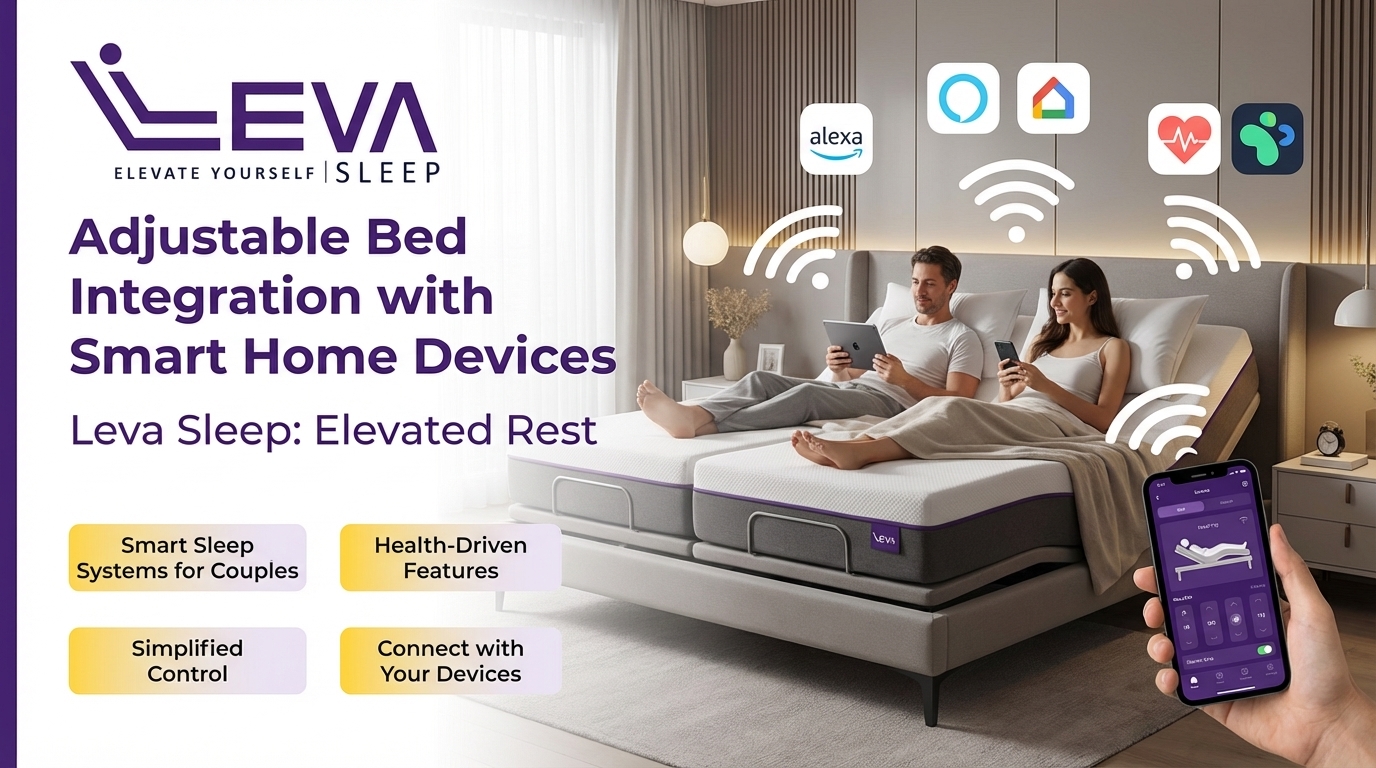
Leva Sleep split bases act as the central hub, with independent side controls, whisper-quiet motors, and a spring-2026 anti-snore mode that connects to wearables, voice assistants, and smart thermostats.
Effective integration follows eight phases: quick-start setup, Alexa/Google Home pairing, IFTTT automations, wearable syncing, temperature control, app presets, privacy compliance, and troubleshooting.
Canadian users should follow PIPEDA guidelines, turn off unnecessary sharing toggles, and choose integrations that keep sleep metrics on Canadian servers or allow easy export and deletion.
Phase 1: Quick-Start Checklist for Fast Leva Integration
Start by preparing the Leva base and app so every later integration connects smoothly. Complete these steps before adding any third-party device:
Update the Leva Sleep app to the latest version on both partners’ phones.
Confirm the base is connected to your home Wi-Fi network. Use the 2.4 GHz band for more reliable Bluetooth bridging.
Enable Bluetooth on both phones and complete the initial pairing sequence for each side of the split base independently.
Set a unique device name for each side, such as “Leva – Left” and “Leva – Right,” to avoid confusion in shared smart-home dashboards.
Contact Leva’s white-glove support team to confirm your pre-configuration profile is active. Leva technicians can remotely verify motor calibration and app permissions before you add any external integrations.
Expert tip: Leva’s white-glove delivery service includes an on-site product tutorial. Use that session to confirm app pairing before the technicians leave so Phase 2 onward starts from a verified baseline.
Phase 2: Connecting Your Leva Base to Alexa and Google Home
Voice assistant integration enables hands-free position changes, which helps partners who adjust head elevation at night without reaching for a phone.
Open the Alexa or Google Home app and navigate to “Add Device.”
Search for the Leva Sleep skill (Alexa) or action (Google Home) and enable it.
Sign in with your Leva Sleep account credentials to link the accounts.
Assign each base side to a named room, such as “Bedroom Left,” so voice commands target the correct motor.
Test with a simple command: “Alexa, set Bedroom Left head to 20 degrees.”
Choose your assistant based on latency and privacy. Google Home often processes local commands faster on newer hubs. For privacy, review whether the assistant stores voice recordings and whether those recordings link to your sleep-position data. Canadian users should confirm that data routing complies with PIPEDA before enabling persistent listening.
Common mistake: Linking both sides of the split base to a single shared voice profile. This causes commands intended for one partner to adjust both sides. Create separate voice profiles or use distinct room names.
Phase 3: Building Practical IFTTT Automations for Couples
IFTTT (If This Then That) connects the Leva app to many third-party services without custom code. The most useful automations for couples focus on snoring detection, sleep stage transitions, and morning wake-up sequences.
Configure these practical applets:
Anti-snore trigger: When the Leva app’s spring-2026 anti-snore mode detects snoring, IFTTT can log the event to a Google Sheet and dim smart lights to signal a lighter sleep phase.
Pillow-tilt motor routine: When a wearable reports deep-sleep entry, trigger the Leva pillow-tilt motor to lower the head position by 5 degrees for spinal decompression.
Morning sequence: At a set time, IFTTT raises the head of the bed to 15 degrees, opens smart blinds to 30%, and starts a coffee maker from a single trigger.
Lights-out confirmation: When the Leva app registers both sides as “sleep mode active,” IFTTT turns off all smart plugs in the bedroom.
Common mistake: Building automations that act on both sides at once. Always specify the individual device name in the IFTTT action step to preserve independent control.
Phase 4: Syncing Wearables for Biometric-Based Adjustments
Oura Ring, Whoop, and Apple Watch export sleep-stage data that can trigger base adjustments. Each device follows a different integration path.
Oura Ring: Connect through the Oura API using IFTTT or a middleware tool like Make (formerly Integromat). Use a “sleep score below threshold” trigger to raise head elevation.
Whoop: Use Whoop strain and recovery scores to trigger morning routines. Connect through IFTTT with the Whoop channel and map “recovery below 33%” to a gentler wake-up elevation sequence.
Apple Watch: Use the Shortcuts app on iPhone to create automations based on sleep focus mode activation, then send a command to the Leva app via its URL scheme.
A Flinders University 2025 study of 183 participants found that embedded mattress sensors can reach high sleep-wake accuracy, comparable to wearables. Couples who dislike wearing devices at night can rely on Leva’s built-in tracking as the primary data source and use wearables only for cross-validation.
Common mistake: Running both wearable and mattress tracking as equal sources. Duplicate data creates conflicting triggers. Choose one authoritative source per partner and set the other to read-only mode.
Phase 5: Pairing Smart Thermostats and Temperature Pads for Comfort
Temperature strongly influences sleep quality. Sleep Number research presented at SLEEP 2025, based on over 9,100 sleep sessions, showed that personalised bed temperature programs with warm bedtime settings and cooler overnight settings measurably improved sleep quality. Benefits were especially clear for women, including the 40–60% who struggle with sleep during menopause.
Leva’s Heating and Cooling Pad integrates with the Leva app to create dual-zone temperature profiles. Extend this to room-level control with a smart thermostat:
Connect your Ecobee or Nest thermostat to Google Home or Alexa.
Create a routine that drops room temperature by 2°C at the same time the Leva cooling pad activates, typically 30 minutes after sleep-mode onset.
Set a warming routine 20 minutes before the alarm to ease the transition out of deep sleep.
For couples with different temperature preferences, the split base’s independent temperature pads manage per-side control. The thermostat manages ambient room temperature as a shared baseline. This combination removes the most common overnight temperature conflict without forcing either partner to compromise.
Phase 6: Setting Couple-Specific Leva Presets and Shared Routines
The Leva app supports named presets for each side of the split base. Clear presets prevent accidental cross-side adjustments and give each partner a one-tap restore point.
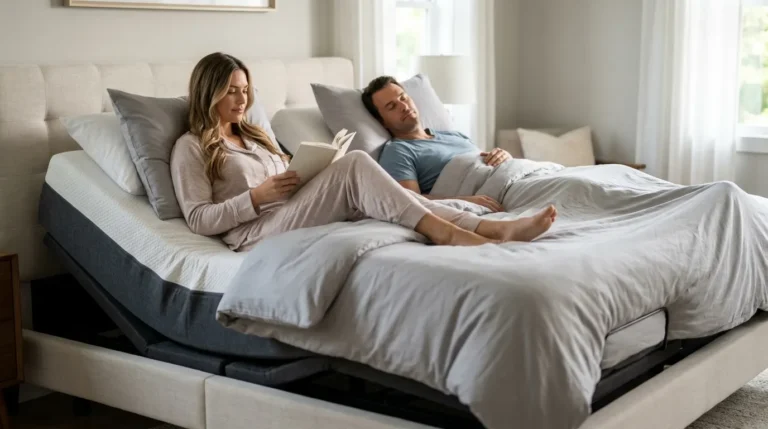
Build a sequence of presets that match how you move through the evening. Start with a reading position, with head at 45 degrees, lumbar support active, and foot flat, for pre-sleep activities. When you are ready to sleep, switch to the sleep position, with head at 10 degrees, lumbar neutral, and foot at 5 degrees, which maintains gentle elevation for circulation without the upright angle of reading mode. If snoring appears, use the anti-snore position, with head at 20 degrees and pillow tilt engaged, which the spring-2026 anti-snore mode can activate automatically or you can trigger by voice. For partners with hip or knee pain, the zero-gravity preset, with head and foot elevated to distribute weight evenly, reduces pressure throughout the night.
Shared routines, such as a synchronized “Good Night” sequence that sets both sides to sleep position at the same time, can be built in the app and triggered by a single voice command or schedule. This shared ritual supports couples who want independent control while still feeling that the bed serves both partners equally, which helps prevent sleep divorce.
Phase 7: Protecting Sleep Data and Meeting Canadian Privacy Rules
Sleep data counts as sensitive health data. Canadian users should review every integration against two criteria: what data leaves the device and where that data is stored.
Strong privacy practice includes filtering out personally identifiable information such as name, age, gender, and location before sharing data with external cloud services. Review whether your chosen integrations offer similar protections and controls.
Use these practical steps for Canadian users:
In the Leva app, open Privacy Settings and disable optional data-sharing toggles that are not required for core functionality.
In IFTTT, review which applets access sleep data and revoke permissions for any that are no longer active.
Before enabling any smart mattress or wearable integration, confirm whether data is sold or shared with third parties, whether it is de-identified before commercial use, and whether it can be exported or deleted.
Request a data export from each connected platform once a year and delete stale records.
Once your integrations are configured and privacy settings are locked down, the final phase covers the most common technical issues that can appear after initial setup.
Phase 8: Troubleshooting Pairing Issues and Motor Noise
Most integration problems fall into three groups: Bluetooth dropout, app permission conflicts, and motor calibration drift.
Use these steps to resolve Bluetooth dropout:
Confirm the base is within 10 metres of the router with no large metal objects between them.
Switch the router to 2.4 GHz if the base does not support 5 GHz.
Force-close and reopen the Leva app, then re-pair the device.
For app permission conflicts after an iOS or Android update, revoke and re-grant Bluetooth and local network permissions in the phone’s settings menu.
If a motor produces audible noise during position changes, the most common cause is a loose leg bracket or an unlevel floor surface. If remote troubleshooting does not resolve the issue, contact the white-glove support team mentioned in Phase 1 to schedule an in-home diagnostic visit. Leva’s whisper-quiet German motors are engineered to operate below disruptive noise thresholds, so persistent noise usually signals a mechanical issue rather than a design limitation.
Expert tip: Schedule a white-glove support call within the first 30 days of ownership to verify motor calibration and confirm all integrations function correctly before you build long-term sleep habits around the system.
2026 Compatibility Table for Leva Integrations
The following table shows which platforms integrate with Leva bases, their typical response times, and key privacy points to review. Use the latency column to decide which integrations work for real-time adjustments and which suit scheduled routines.
Platform / Device
Leva App Support
Typical Latency
Privacy Notes
Leva Sleep App (native)
Full, including presets, anti-snore, temperature, lumbar, and pillow tilt
<1 second (Bluetooth local)
Data stored on Canadian servers; export and deletion available in settings
Amazon Alexa
Via Leva Alexa Skill, with voice position commands and preset recall
1–3 seconds (cloud routed)
Review Alexa voice-recording retention settings and disable persistent listening if preferred
Google Home
Via Leva Google Action, with voice commands and routine integration
1–2 seconds (cloud routed)
Confirm data routing region in Google account settings; Canadian routing available
IFTTT
Via Leva IFTTT channel, with trigger-based automations for anti-snore, wake-up, and thermostat sequences
Via IFTTT or Make middleware, using sleep-score triggers for position adjustments
Variable (API polling interval)
Confirm Oura data-sharing opt-outs and disable research data sharing if not desired
Ecobee / Nest Thermostat
Via Google Home or IFTTT, with temperature routines synced to sleep-mode activation
5–10 seconds (cloud routed)
Thermostat data remains separate from sleep data; review each platform’s retention policy independently
What Success Looks Like with a Fully Integrated Leva System
A fully integrated Leva split system delivers clear, measurable improvements within two to four weeks of consistent use. Each partner operates their side independently, with different head angles, temperatures, and alarm sequences, without one side affecting the other. The anti-snore mode handles positional adjustments automatically, which reduces manual interventions that wake both partners. Morning routines run on schedule without anyone reaching for a phone.
From a data perspective, success means one unified dashboard. The Leva app serves as the primary record, wearables provide cross-validation, and no two platforms log the same metric redundantly. A 2024 npj Digital Medicine review of wearable sleep-tracking devices reported per-device sleep and wake classification accuracies of 87–88% for several wrist-worn models. Couples can therefore consolidate to fewer active trackers without losing data quality.
The clearest sign of success is the absence of sleep divorce conversations. When both partners wake rested, in the same bed, without compromising on firmness, temperature, or position, the system performs as intended.
Shop Leva Sleep’s adjustable beds and explore split configurations in Queen and King, priced 30–50% below comparable luxury competitors.
Advanced Integrations: AI Micro-Adjustments and Positional Therapy
AI-driven micro-adjustment represents the next step for smart adjustable beds. Future systems will detect shifts in respiratory rate or heart rate variability during sleep and make sub-degree positional changes before the sleeper reaches a lighter stage. The global smart bed market is projected to grow significantly by 2032, driven partly by AI-powered comfort systems that automatically adjust firmness, position, and temperature using real-time biometric data. Leva’s roadmap positions its bases to receive these AI adjustment capabilities through firmware updates as the technology matures.
Partners managing mild sleep apnea can use positional therapy with an adjustable base as a meaningful alternative or complement to CPAP therapy. Elevating the head of the bed reduces airway collapse without requiring a mask. Sleep apnea clinics in Ontario and Alberta already refer patients to Leva for this reason. As wearable oximetry improves, integration between oxygen-saturation data and automatic head elevation will shift from advanced configuration to standard workflow.
Frequently Asked Questions
Can a universal remote control both sides of a Leva split adjustable base?
No. Each side of a Leva split base operates as an independent unit with its own motor, Bluetooth connection, and app profile. A universal remote that sends a single signal cannot address two separate devices at the same time. Each partner uses either the Leva app on their own phone or a side-specific remote. Shared voice commands through Alexa or Google Home can trigger both sides at once only when both sides are explicitly named in the routine, which is the recommended method for synchronized actions like a “Good Night” sequence.
What happens to my Leva base settings if the Wi-Fi goes down?
Core motor functions such as head elevation, foot elevation, lumbar support, and massage operate via Bluetooth and do not require Wi-Fi. Saved presets stored locally on the base remain accessible through the Leva app over Bluetooth even without an internet connection. Features that depend on cloud connectivity, including IFTTT automations, voice assistant commands, and remote access from outside the home, pause until the connection is restored. This behaviour matches most smart bed platforms.
Is there a Split Queen adjustable base option, and does it integrate the same way as a Split King?
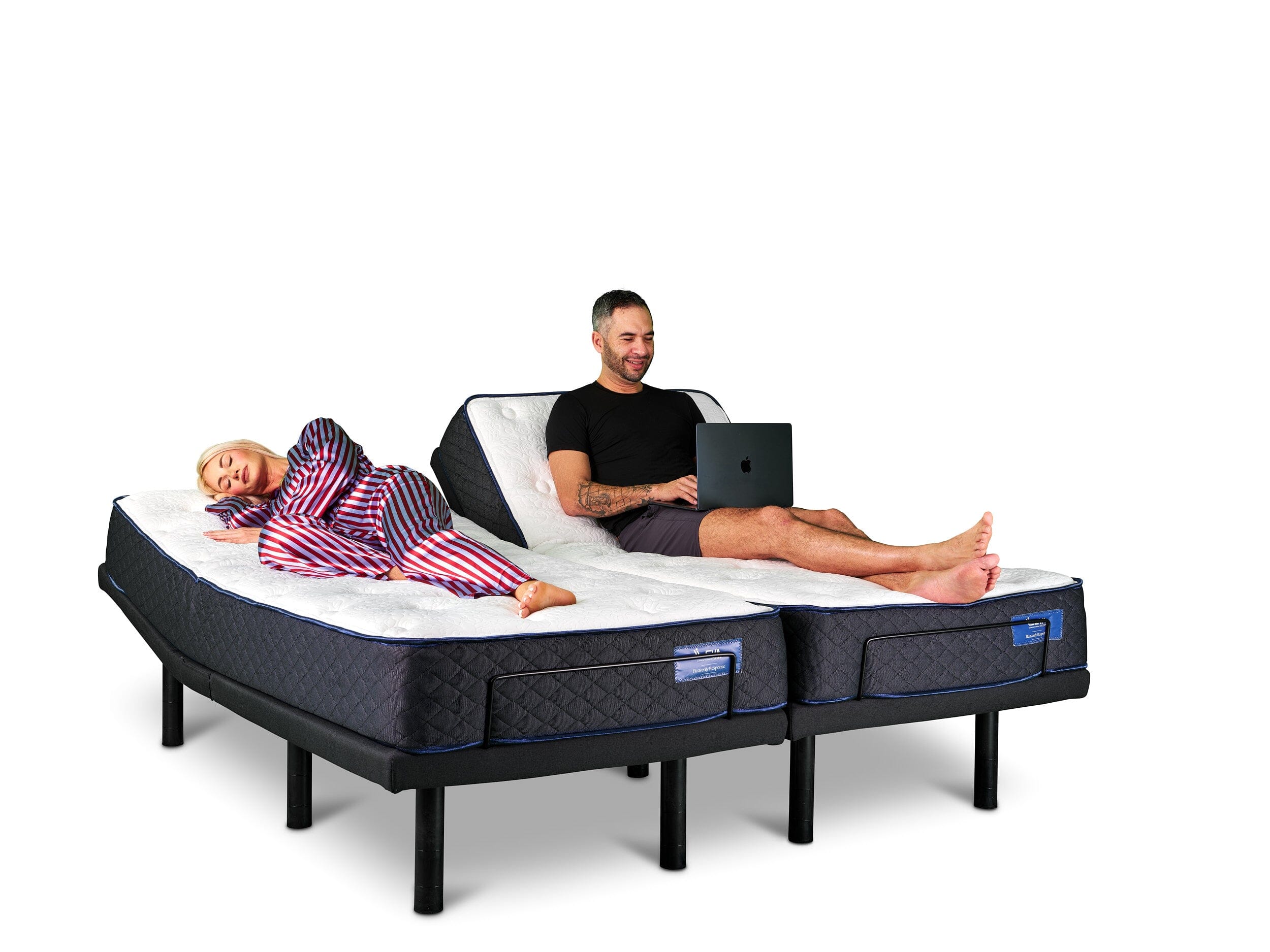
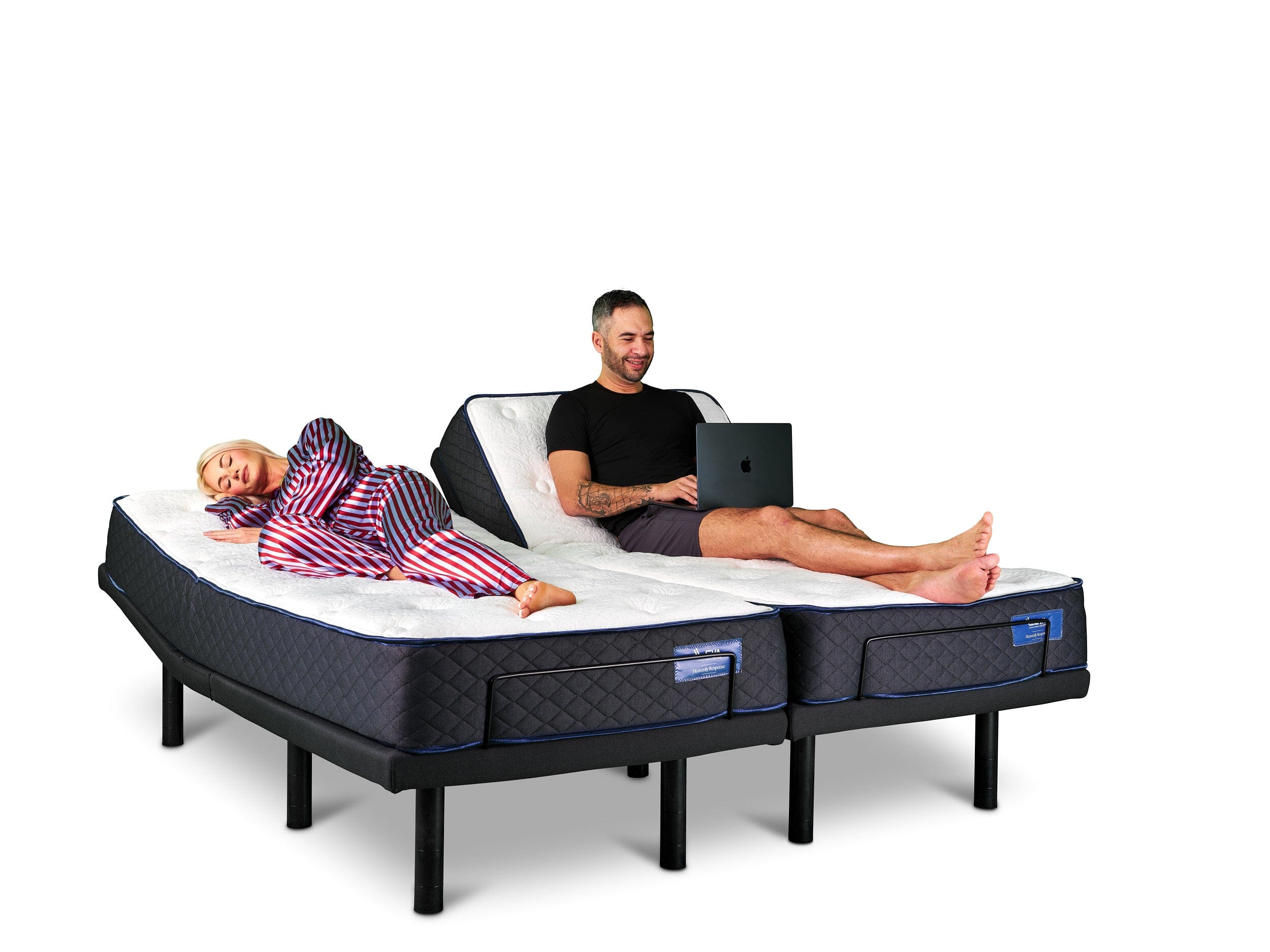
Leva Sleep is one of the few Canadian retailers offering a Split Queen adjustable base built to customer specifications. The integration workflow matches the Split King. Each side pairs independently to the Leva app, supports the same preset library, and connects to the same third-party platforms, including Alexa, Google Home, and IFTTT. The main difference is physical footprint. Couples in smaller bedrooms who want independent control without the width of a King configuration should evaluate the Split Queen as their primary option.
Leva Sleep Split Queen Bed
How do I avoid duplicate sleep tracking when using both a wearable and the Leva base’s built-in sensors?
Designate one device as the authoritative data source per partner and set the other to passive or read-only mode. For most couples, the Leva base’s embedded sensors serve as the primary source because they require no charging or wearing. The wearable then functions as a cross-reference tool rather than an active trigger source. In IFTTT and other automation platforms, connect only the primary source as the trigger device to prevent conflicting commands from firing at the same time.
Does Leva Sleep’s anti-snore mode work with CPAP machines?
Leva’s spring-2026 anti-snore mode detects snoring through the base’s embedded sensors and makes micro-adjustments to head elevation to reduce airway restriction. It functions as a standalone positional therapy tool and as a complement to CPAP therapy, not a replacement for prescribed medical treatment. Partners who use a CPAP machine can still benefit from the anti-snore mode’s positional adjustments because elevated head positioning reduces the pressure differential the CPAP must overcome. Consult a sleep physician before changing any prescribed sleep apnea treatment protocol.
Conclusion and Next Steps
Integrating a smart adjustable base with wearables, voice assistants, IFTTT automations, and smart thermostats becomes manageable when you follow clear phases. The eight phases above move from basic app setup through advanced biometric triggers, with privacy and troubleshooting built into the workflow rather than treated as afterthoughts. The result is a unified sleep environment where each partner’s side of the bed responds to their individual data without interfering with the other.
Leva Sleep’s split adjustable systems are engineered for this workflow, with independent motors, independent app profiles, whisper-quiet operation, and a spring-2026 anti-snore mode that closes the loop between detection and response. With white-glove delivery and setup available across Ontario and Alberta, and the competitive pricing mentioned earlier, Leva removes both the technical and financial barriers to a fully integrated sleep system.