
Written by: Matthew Timmins, Founder and Managing Director, Leva Sleep | Last updated: June 26, 2026
Key Takeaways
- Tempur-Pedic split-king bases use independent RF or Bluetooth controls so each partner can adjust their side without disturbing the other.
- Sync mode links both Twin XL bases for shared positions while still allowing independent overnight settings.
- Successful pairing depends on staying close to the control box and pairing one base at a time to avoid signal conflicts.
- Phone apps mirror remote functions and deliver firmware updates, but each phone should stay paired to its own base to prevent connection issues.
- Leva Sleep offers reliable wireless split-king controls at a lower cost with white-glove delivery, so you can shop Leva Sleep adjustable bed packages with confidence.
How Split King Adjustable Bed Syncing Works
Each Twin XL base in a split-king setup has its own motor controller and wireless receiver. RF remotes broadcast on a dedicated frequency, typically in the 433 MHz or 2.4 GHz band, while Bluetooth remotes and apps use the standard 2.4 GHz Bluetooth Low Energy protocol. Because each base has a unique pairing address, pressing the head-raise button on one remote triggers only that side’s motor.
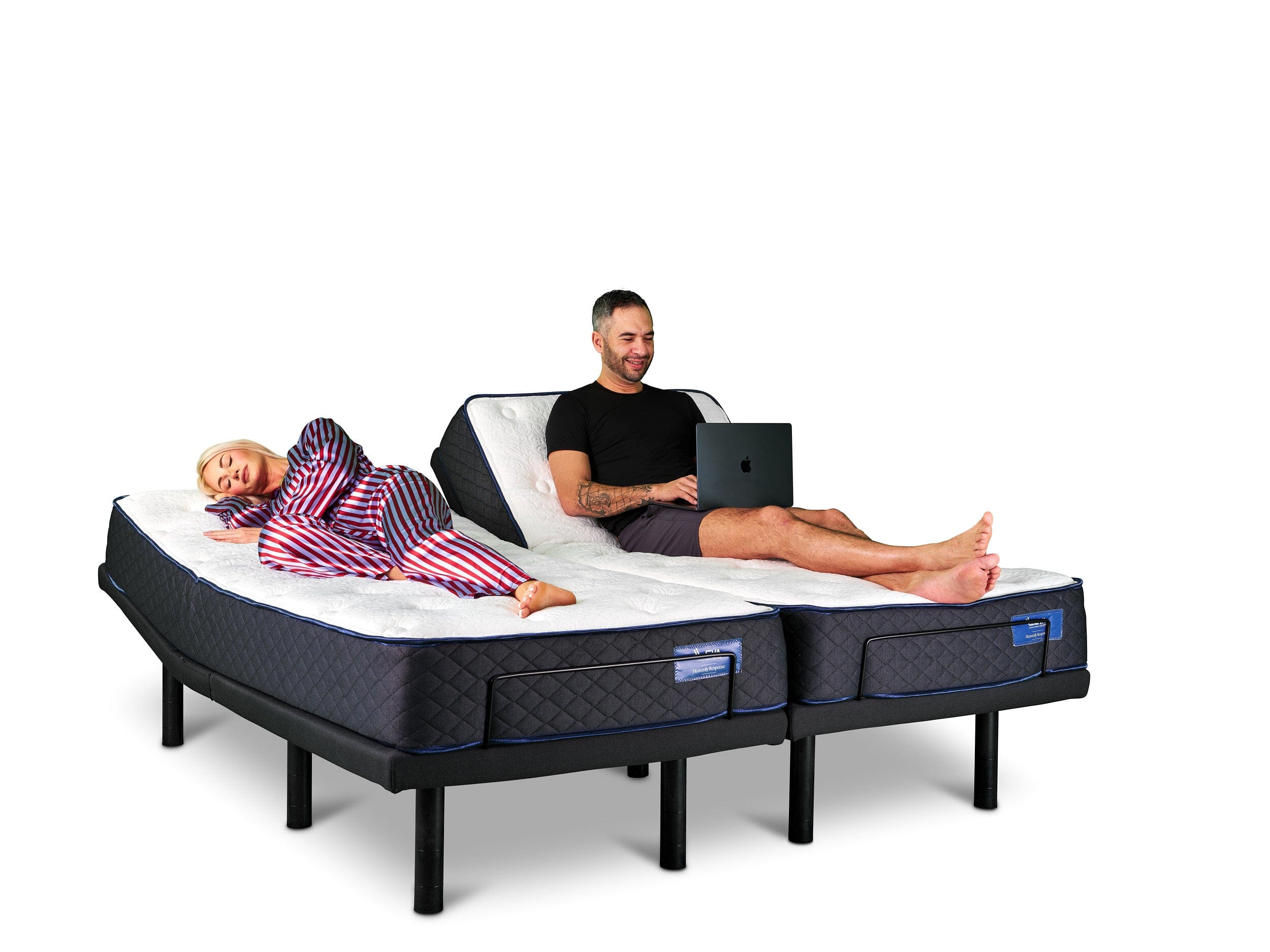
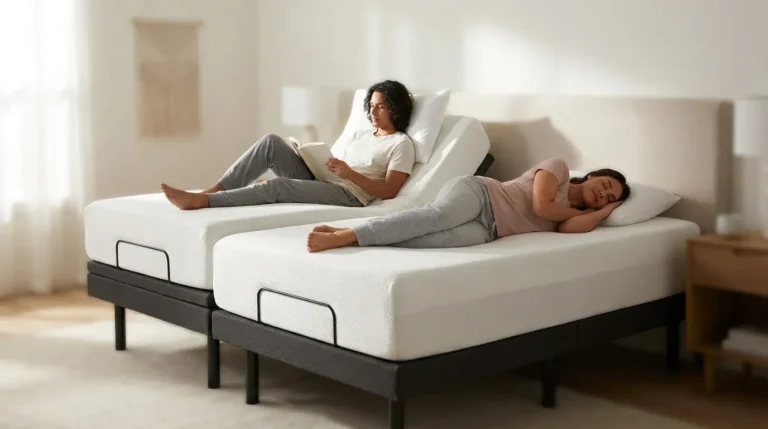
Sync mode designates one remote as the primary controller for both sides. When sync is active, a command sent to the primary base is relayed to the secondary base through a dual-channel RF or Bluetooth signal, or through a wired data cable between the two bases. Couples often use sync for shared positions while watching television, then turn it off at night so each partner can choose a different sleeping position.
RF signals travel through bedding and frames, but 2.4 GHz interference from Wi-Fi routers, cordless phones, and microwave ovens can reduce Bluetooth range. Keeping the remote within three metres during initial pairing improves the strength of the handshake and reduces dropout risk. Battery life in RF remotes often lasts several months on AAA cells, while Bluetooth remotes with backlit displays draw more power and may need charging every few months.
Pairing a Tempur-Pedic Remote Step by Step
Most Tempur-Pedic Ergo, Ergo ProSmart, and Ergo Extend bases follow the same basic pairing sequence. First, confirm the base is plugged in and the control box LED is illuminated, which shows the base is ready to receive pairing signals. Second, hold the remote within 30 centimetres of the control box, not across the room, because the initial handshake needs a strong signal that does not pass reliably through walls or heavy furniture. Third, press and hold the pairing button on the control box until the LED blinks, which places the base into discovery mode. Fourth, press and hold the corresponding button on the remote until the LED on the control box turns solid, confirming that the base has stored that remote’s address. At this point, the remote is paired only to that base.
Common Mistake: Many people try to pair both remotes at the same time. Finish pairing for one base completely, then repeat the full sequence for the second base. Overlapping pairing signals confuse both control boxes and cause them to reject the handshake.
After both remotes are individually paired, you can enable sync if your model supports it. On most Ergo bases, pressing and holding the Sync or Partner button on both remotes within five seconds creates the linked channel between the two bases. If your bases use a physical sync cable, connect that cable firmly before you start the button sequence so the signal can pass between control boxes.
Expert Tip: Stand within 10 feet, or about 3 metres, of the control box during pairing. RF and Bluetooth handshakes need a strong initial signal, and distance during pairing is one of the most common reasons the process fails on the first attempt.
Using Your Phone With a Tempur-Pedic Base
Tempur-Pedic’s Ergo SmartBase and compatible Ergo models work with the Tempur-Pedic app for iOS and Android. The app connects over Bluetooth and mirrors the remote, including head and foot elevation, massage intensity, and preset position recall. The app also delivers firmware updates for the base, which can fix connectivity bugs without a technician visit.
Bluetooth allows only one active device to control a base at a time. If both partners install the app, each phone should pair to its own Twin XL base and stay that way. Trying to control both sides from one phone requires unpairing and re-pairing each time, which becomes frustrating in the middle of the night. Keeping each phone paired to its own side keeps control simple and predictable.
When the app loses connection, start with basic checks. Confirm Bluetooth is enabled on the phone, verify that the base firmware is current, and check that no other Bluetooth device has taken over the base’s pairing slot. Forgetting the device in the phone’s Bluetooth settings and pairing again from scratch fixes most stubborn dropouts.
Tempur-Pedic Remote Troubleshooting Guide
When neither the app nor the physical remote responds, the base itself usually needs attention rather than the control method. Work through the following sequence in order and stop once the base responds consistently.
Step 1 – Batteries: Replace the batteries even if the remote LED still glows faintly. A weak battery can power the display but not the transmission circuit. If the remote still does not respond after fresh batteries, the problem likely involves the base or the pairing rather than the remote hardware.
Step 2 – Power cycle the base: Unplug the base from the wall, wait 30 seconds, then plug it back in. Many control-box firmware states reset during a power cycle, which can restore communication with a remote that was previously paired. If the base still does not move, continue to the next step.
Step 3 – Check for 2.4 GHz interference: Move the Wi-Fi router at least one metre away from the control box, or set the router to use only a 5 GHz broadcast channel. Bluetooth and 2.4 GHz Wi-Fi share spectrum and can interfere with each other. If moving or adjusting the router does not help, proceed to a pairing check.
Common Mistake: Many owners assume the motor has failed when the remote is the real issue. Test this by downloading the Tempur-Pedic app and trying to move the base from the app. If the app moves the base but the remote does not, the remote hardware or its pairing needs attention, not the motor.
Step 4 – Re-pair the remote: Repeat the pairing sequence described earlier. A remote that has lost its pairing address cannot send valid commands, even with brand-new batteries. If re-pairing does not restore control, the next step involves warranty support.
Step 5 – Canadian warranty service: Tempur-Pedic’s support page explains warranty coverage by model. Canadian consumers also have rights under provincial consumer-protection laws. Consumer Protection Ontario and Service Alberta’s consumer protection office provide guidance if a manufacturer does not honour a valid claim.
Comparing Split King Adjustable Bed Options
Evaluating a split-king system works best when you focus on four practical criteria. Wireless reliability covers how consistently the remote or app connects without dropouts. Control simplicity looks at whether adjustments feel intuitive or require several confusing steps. Noise level considers whether motor sounds disturb a sleeping partner in a quiet room. Total cost of ownership includes the base price, delivery, setup, and any ongoing service costs.
Tempur-Pedic’s Ergo line scores well on wireless reliability and app polish, and it is widely available across Canada. The main trade-off is price, because Ergo bases carry a noticeable premium, and white-glove delivery does not always come included or available in every Canadian market.
Leva Sleep’s split-king system addresses the same criteria at roughly 30 to 50 percent lower cost. Control runs through a dedicated Bluetooth app that pairs independently to each Twin XL base, which keeps operation consistent with the independent model described earlier. Whisper-quiet German motors reduce mechanical noise that often bothers light sleepers on entry-level adjustable bases. Independent lumbar support and pillow-tilt motors on each side give each partner fine control over comfort without changing the other side. An anti-snore mode, arriving spring 2026, will detect snoring and make micro-adjustments to the head of the bed to potentially reduce or eliminate snoring.
Leva Sleep designs and assembles its systems locally and delivers exclusively in Ontario and Alberta with in-house white-glove service. Trained technicians bring the base to the bedroom, assemble it, set leg height, and walk you through the product features. Extra-elastic fitted sheets and split-king-specific bedding accessories are available to prevent sheet slippage during elevation changes.
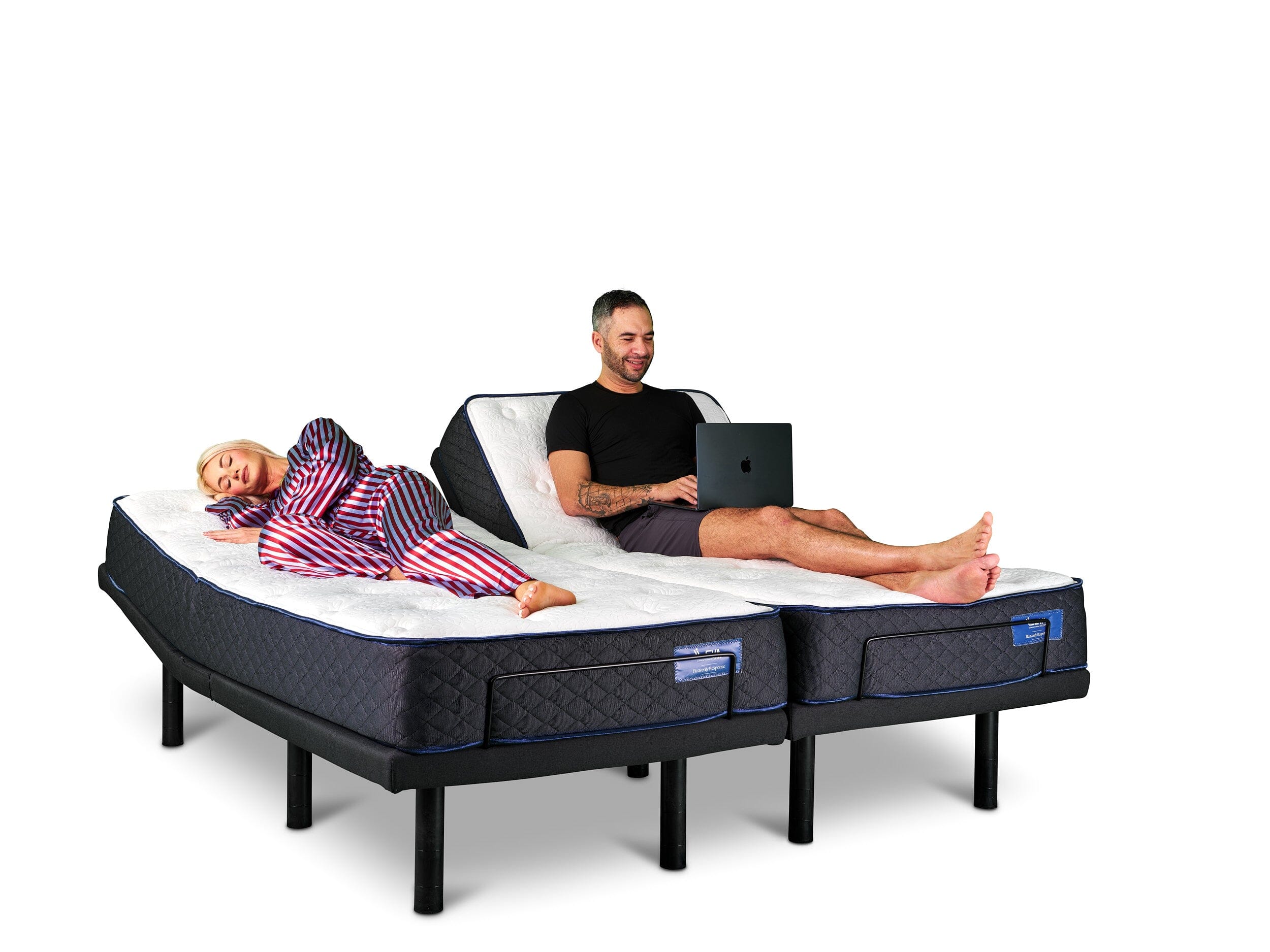
Leva Split King Wireless Controls
Leva’s Bluetooth app assigns each Twin XL base its own pairing address during setup. The process follows the same proximity-based handshake described earlier. You power on the base, enable Bluetooth on the phone, start discovery in the app, and confirm pairing when the base LED indicates success. Once paired, each partner controls elevation, massage, lumbar position, and pillow tilt from their own phone without any signal crossing to the other side.
Sync mode appears in the app when both partners want to move to the same position at the same time. Many couples use this for watching television or reading together. Turning sync off returns each side to independent operation immediately, so you can go back to separate sleep positions without extra steps.
The anti-snore mode mentioned earlier addresses one of the most common reasons Canadian couples consider separate sleeping arrangements by making adjustments without waking the other side.
Customers in Ontario and Alberta can book white-glove delivery directly through Leva Sleep, as described above. The extra-elastic sheets mentioned earlier are available as an add-on during delivery setup.
With over 8 years in operation, $50M in lifetime sales, and more than 25,000 customers, Leva Sleep offers specialist depth in a category where many retailers stock only a few base models.
Frequently Asked Questions
Can I use a Tempur-Pedic remote with a Leva Sleep base?
No. Tempur-Pedic remotes pair to Tempur-Pedic control boxes using proprietary RF or Bluetooth protocols. Leva Sleep bases use their own Bluetooth control system and run through the Leva Sleep app. The two systems do not work together. If you move from a Tempur-Pedic base to a Leva Sleep system, the Leva app is set up during the white-glove delivery appointment, so you do not need any technical experience.
How much does a Tempur-Pedic remote replacement cost in Canada?
Replacement remotes for Tempur-Pedic bases are available through authorized Canadian retailers and the Tempur-Pedic support channel. Pricing depends on the model and whether the base remains under warranty. App-enabled bases can use a smartphone as a temporary remote while a physical replacement ships, which reduces urgency. Leva Sleep’s app-first design removes the need for a separate remote, so a phone upgrade or app re-download restores full control at no extra cost.
How long does Leva Sleep’s white-glove delivery take in Ontario and Alberta?
Delivery timelines vary based on current scheduling in each region. Leva Sleep operates in-house delivery teams in Ontario and Alberta, which usually allows more flexible scheduling than third-party carriers. Customers should contact Leva Sleep at the time of purchase for current lead times. White-glove delivery includes bedroom placement, full assembly, leg-height customization, app pairing, and removal of the old bed.
What is Leva Sleep’s return policy?
Return and trial policies are confirmed at the time of purchase and can vary by product configuration. Prospective buyers should review the current policy on the Leva Sleep website or speak with a Leva Sleep specialist before ordering. As a direct-to-consumer Canadian brand with more than 25,000 customers, Leva Sleep keeps its support team available for pre-purchase and post-purchase questions, which offers a practical advantage over general mattress retailers that may have limited adjustable-base expertise.
Does Leva Sleep’s split king work with standard king-size bedding?
A split king uses two Twin XL mattresses side by side, which together match the width and length of a standard king. Standard king flat sheets and duvets fit the combined surface. Standard fitted sheets, however, are not designed for the independent movement of a split-king base and often pop off the corners when the head or foot rises. Leva Sleep offers fitted sheets with deep pockets and reinforced extra elastic that are engineered for adjustable bases and help prevent slippage during elevation changes.